Practical guides, workflows, and insights for churches using Subsplash, by Reed Verdesoto.
A practical shot list and reference guide for capturing consistent, authentic photos across your church's website, app, and social media.
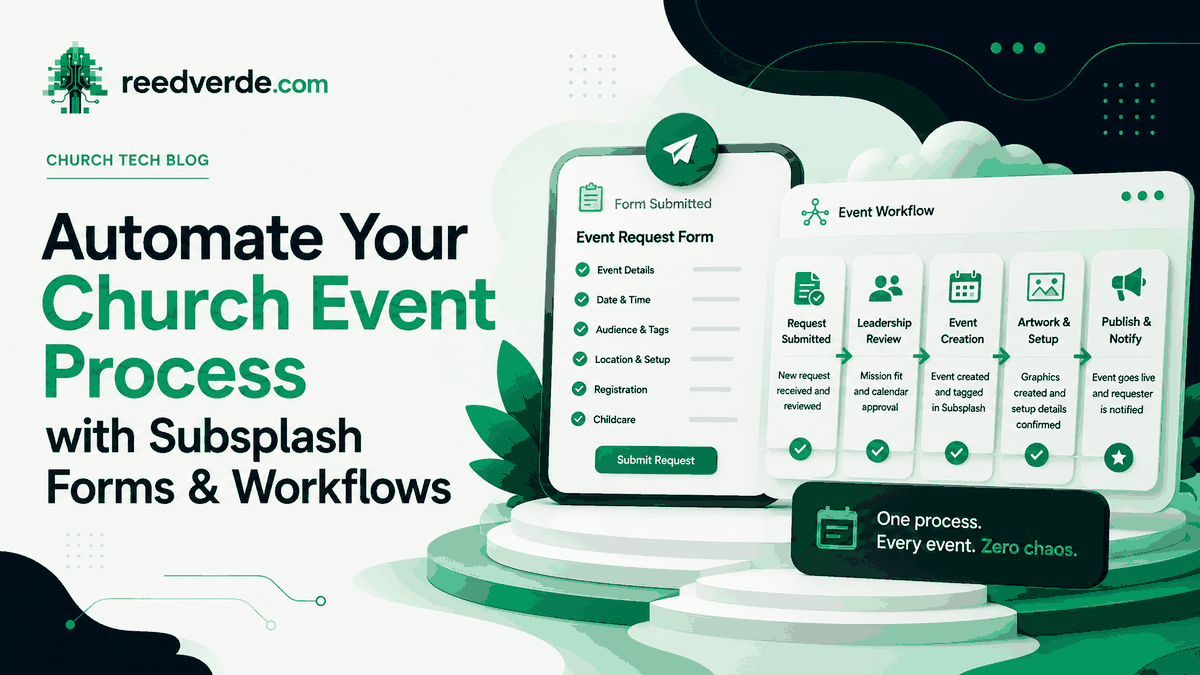
Yesterday I showed you how to plan your church calendar 90 days out. Here is how you automate the process once you have the information: one Subsplash Form, one Workflow board, and emails that send themselves.
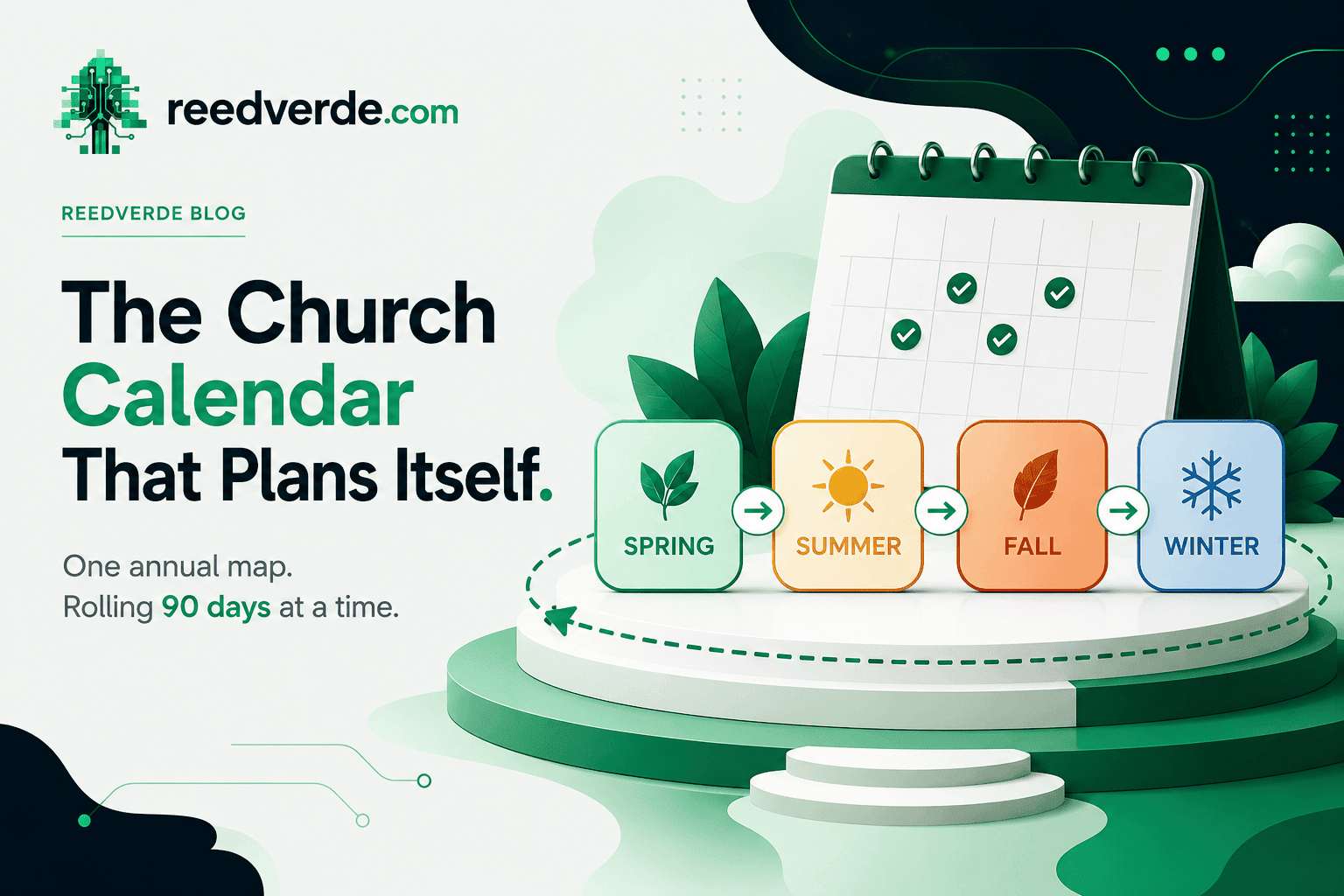
Most churches build their calendar two weeks before they need it. Here is the two-layer system that lets you build a whole season before it arrives: one annual map, and a 90-day cycle that launches every season a full month early.
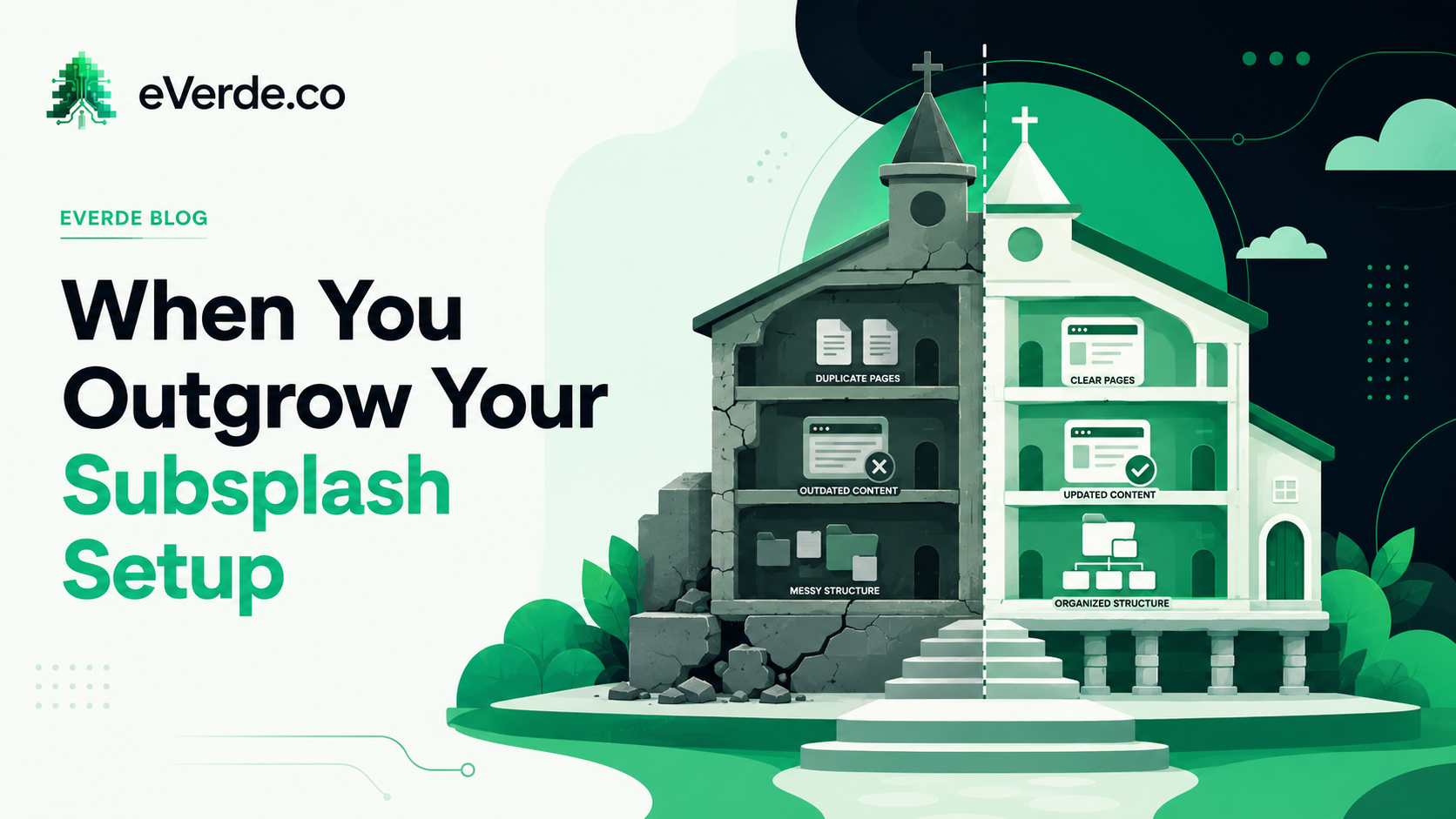
Subsplash did not fail you. Your architecture failed to grow with you. Here is how to know when it is time to restructure, and why the answer is almost never a new platform.
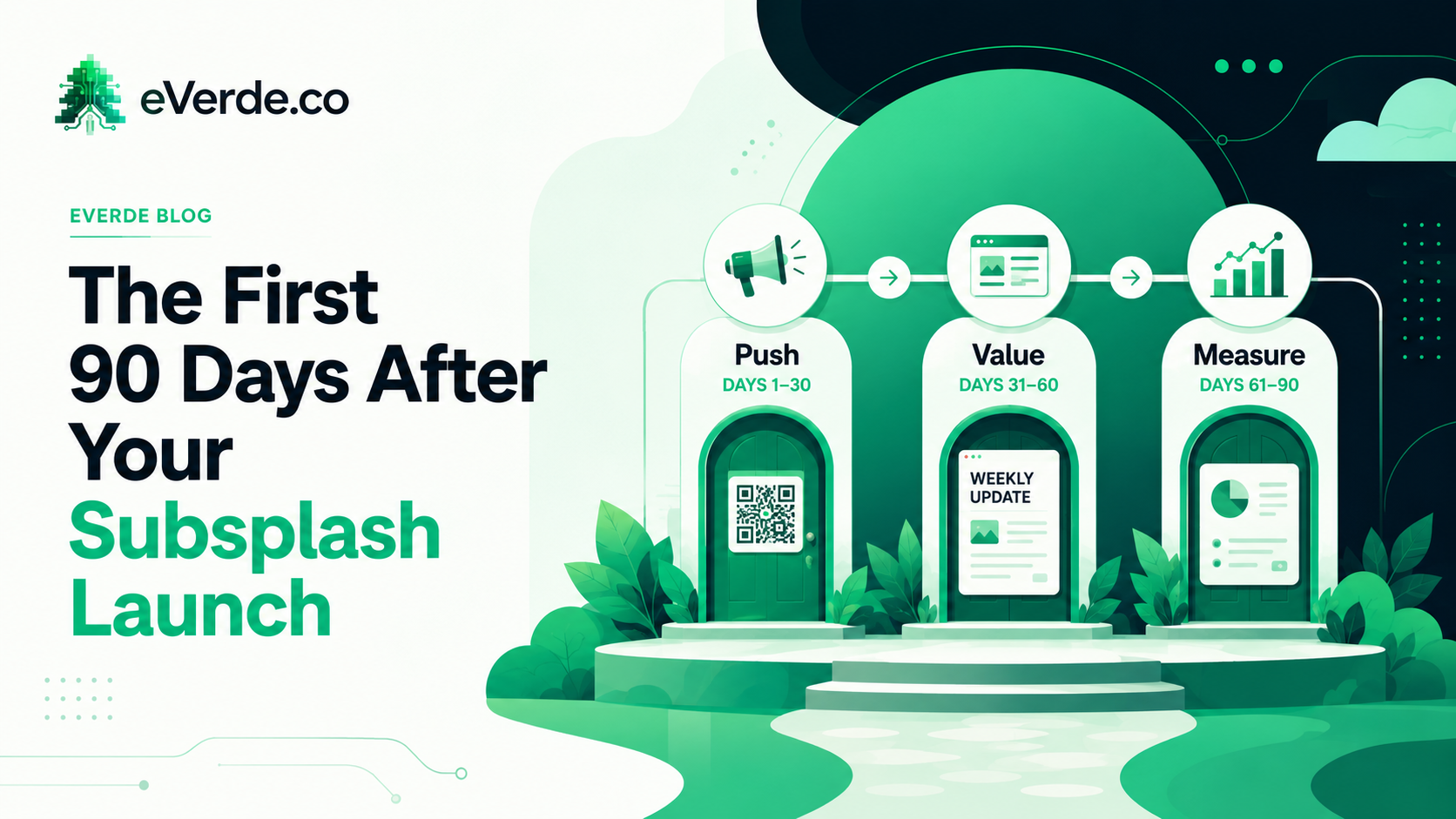
Launch day is not the finish line. It is the starting line. What you do in the first 90 days determines whether your church actually adopts the system or abandons it.
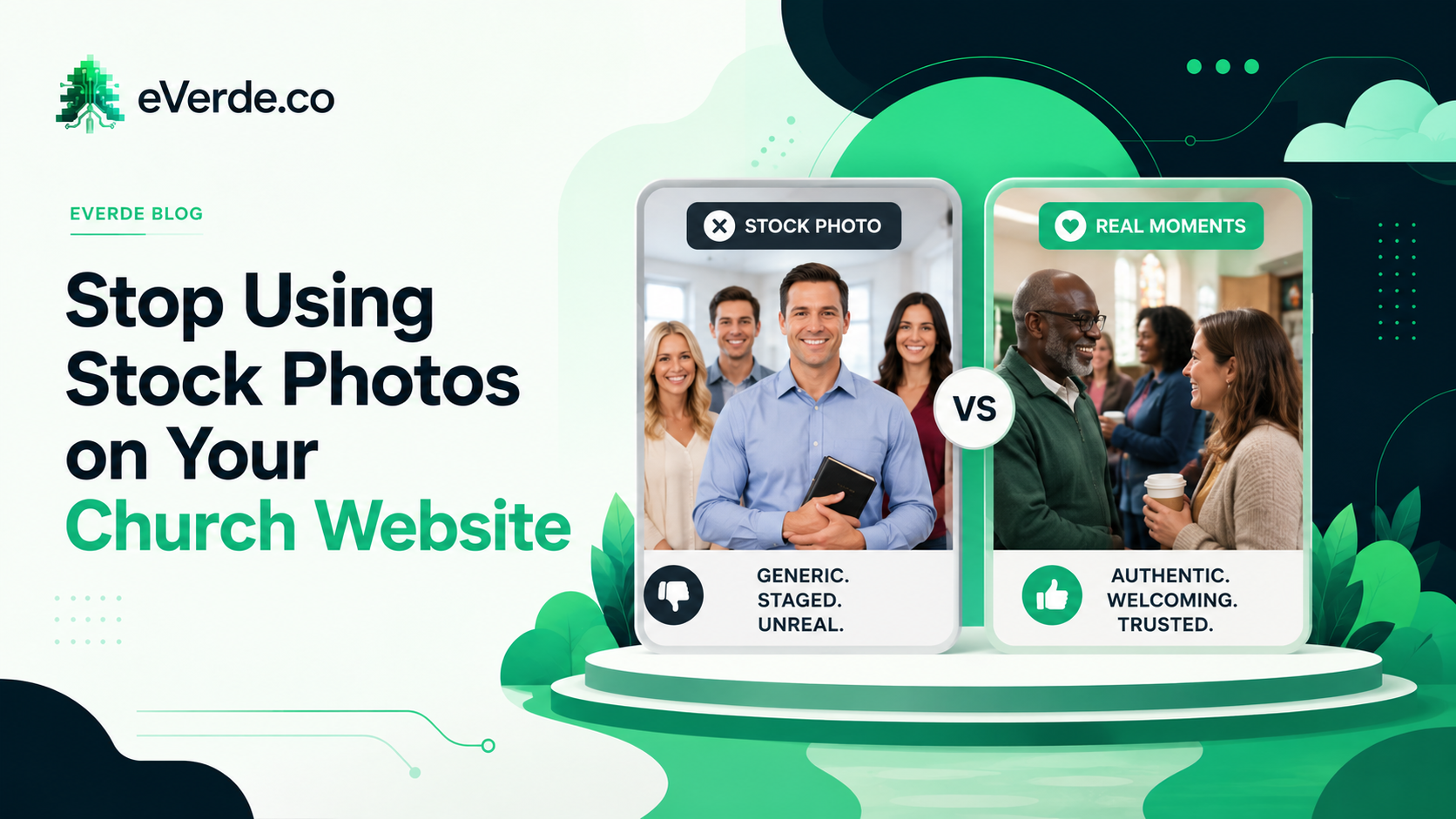
If your website shows people who do not go to your church, visitors will notice. And they will not trust what they see.
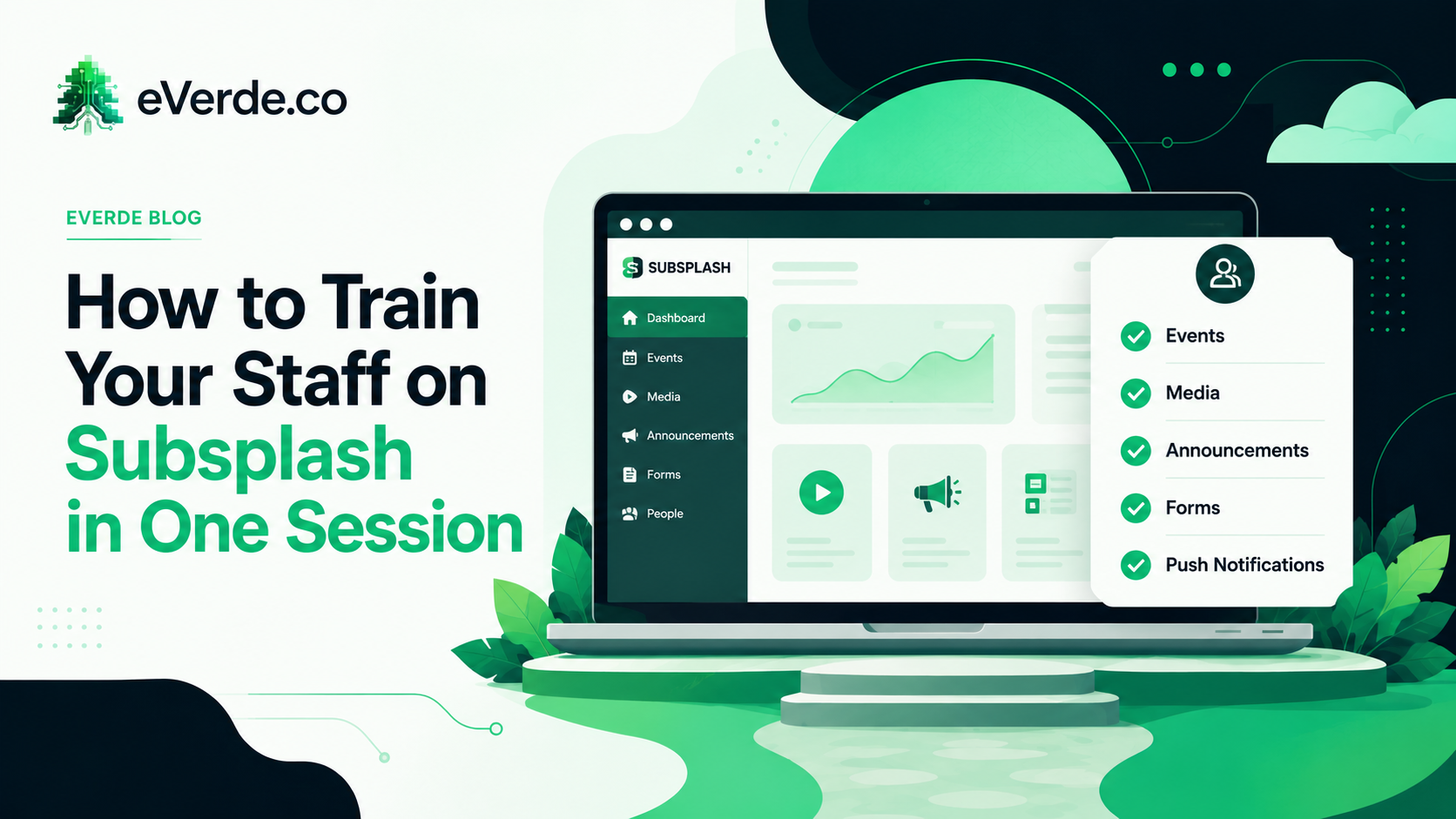
You do not need a 6-week training program. You need one focused session, a documented workflow, and a governance structure that tells people who does what and when.
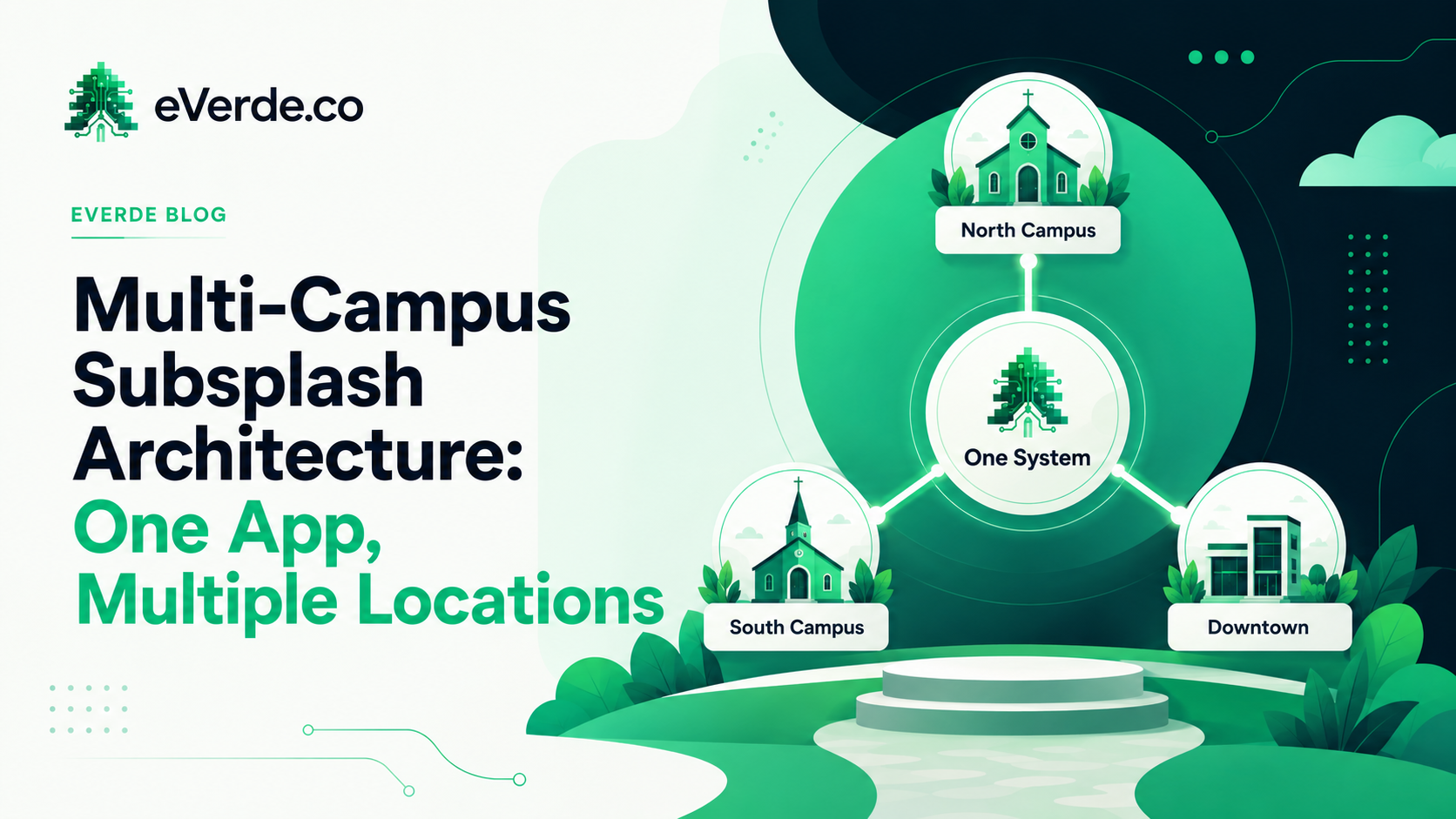
Adding a campus is not duplicating your website. It is extending your architecture. Most multi-site churches learn this the expensive way.
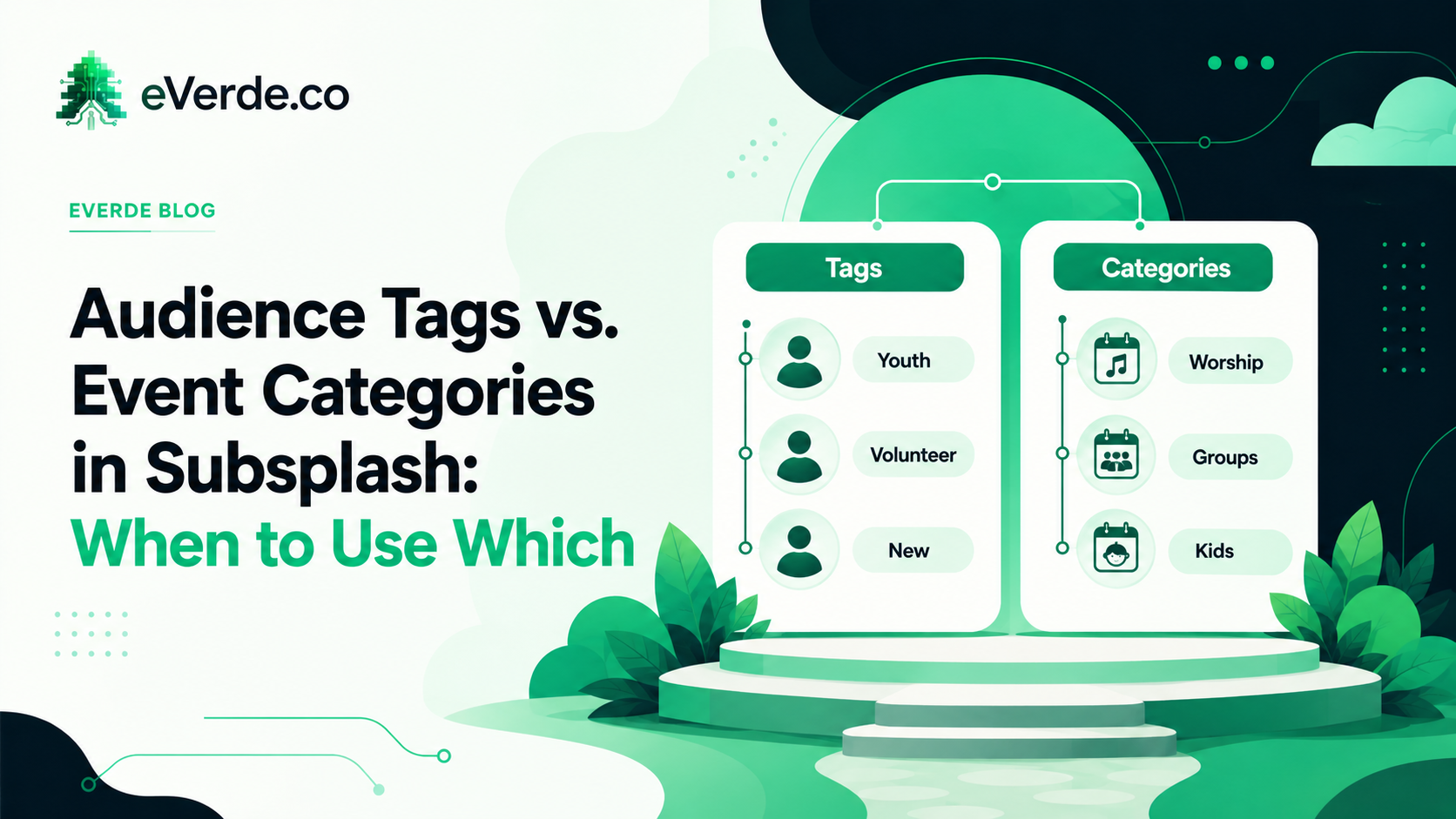
Tags and categories look similar in the dashboard. They do completely different things. Using them wrong creates invisible mess that costs your team hours every week.
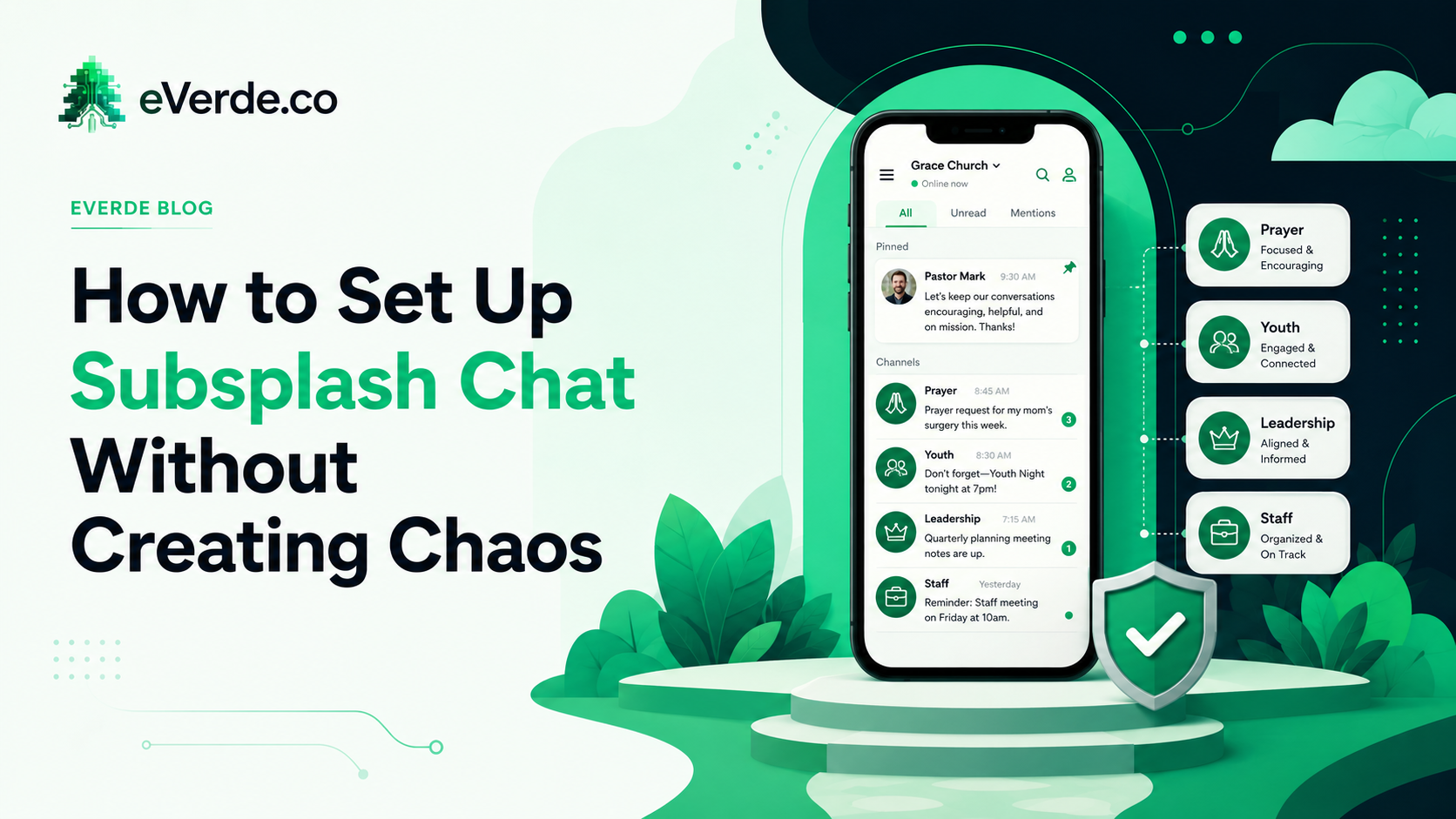
Subsplash Chat can be powerful or it can become an unmoderated group text with 200 people. Setup decides which one you get.
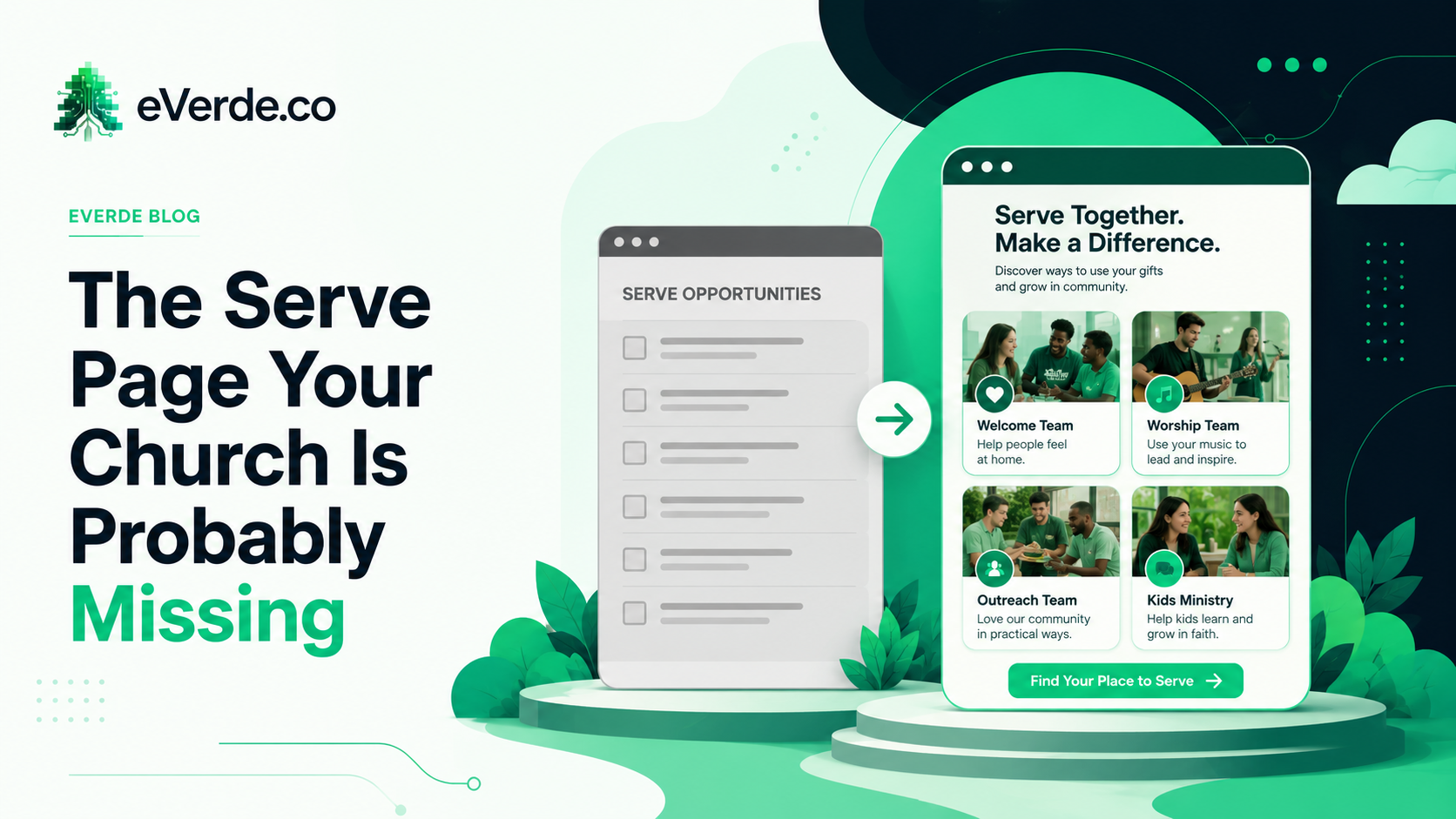
If your serve page is a list of volunteer roles, you are recruiting with a spreadsheet. People do not sign up for tasks. They sign up for belonging.
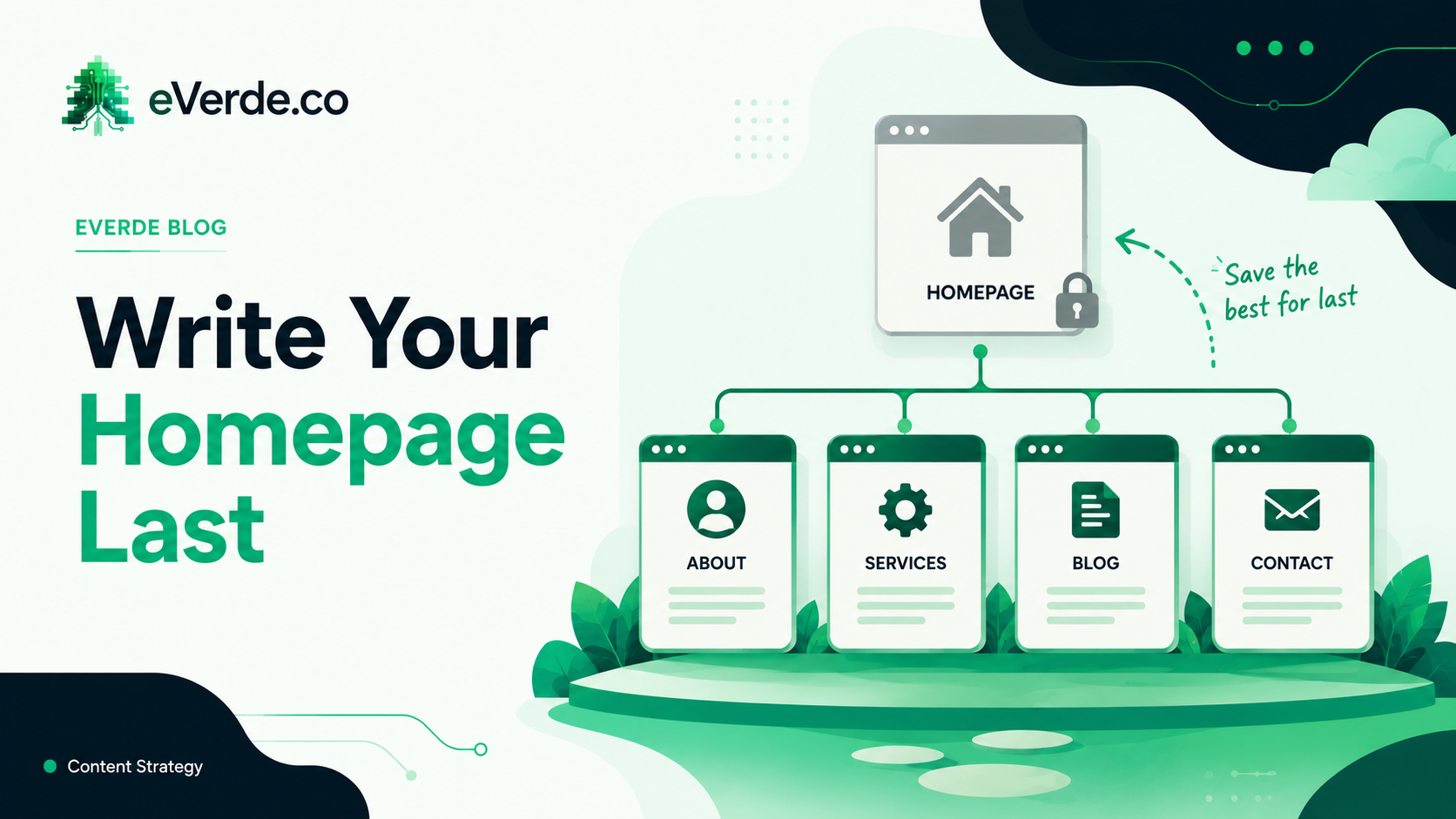
Around 75% of visitors never get past your homepage, so it has to do the whole job alone. The problem is not that most church homepages are too cluttered. It is that they are bland. Here is how to build a homepage that gives every visitor a tour instead of a hallway of doors they cannot read.
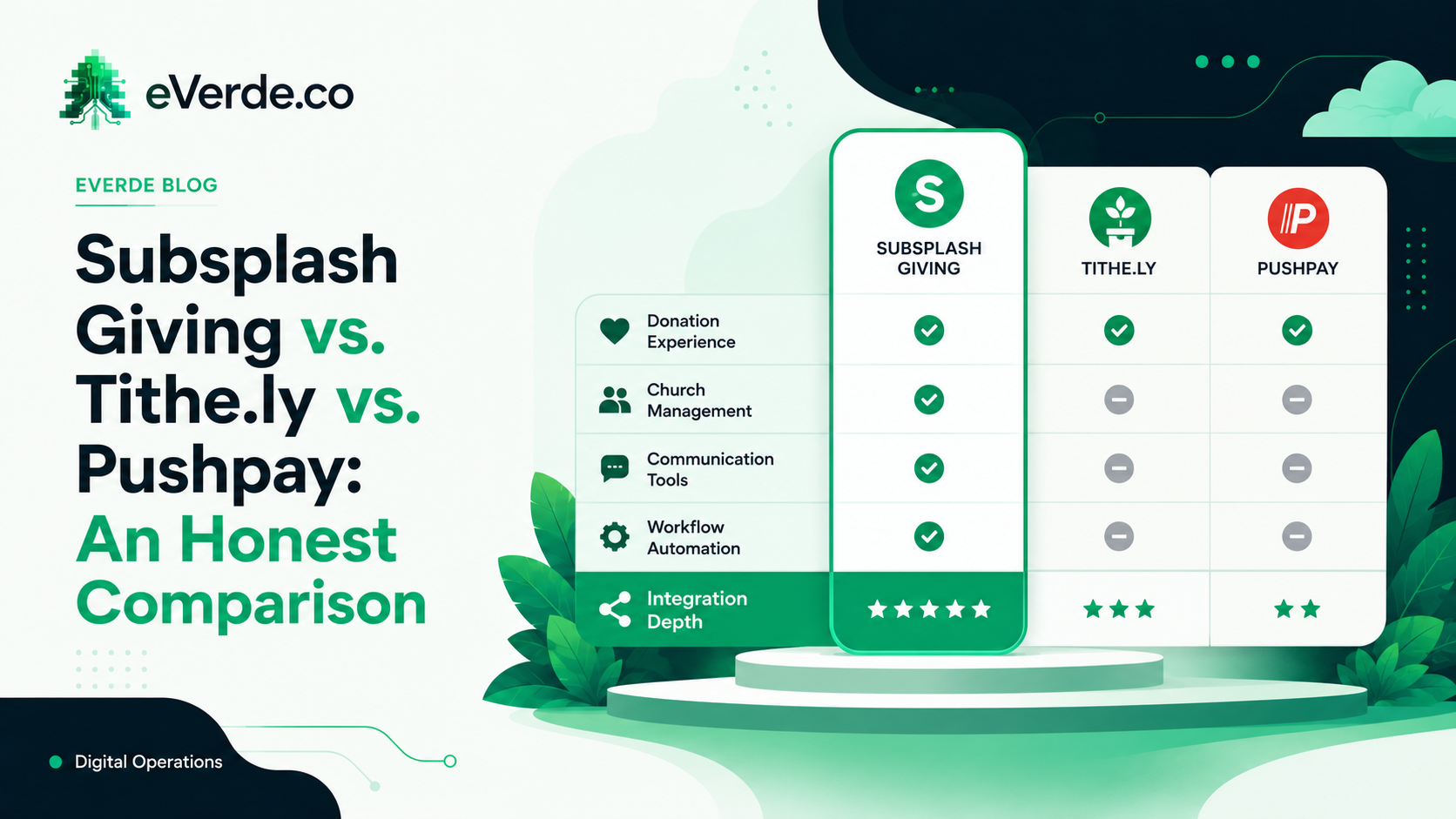
Every giving platform will tell you they are the best. Here is what actually matters when your church is choosing, and why the answer is almost never about features.
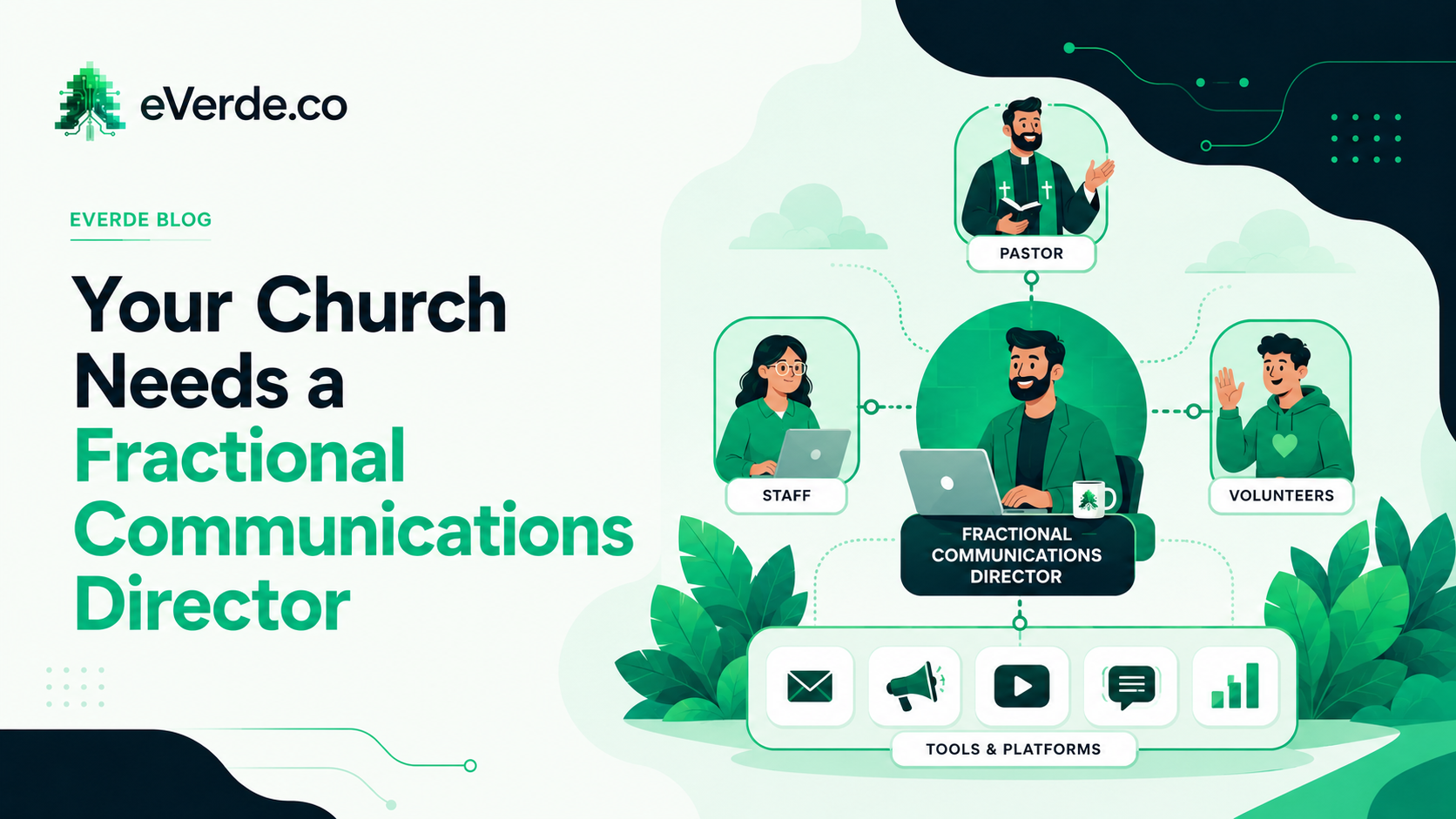
You cannot afford a full-time digital strategist. You also cannot afford not to have one. There is a third option that most churches do not know exists.
You are not hiring a web designer. You are hiring an architect. Here is exactly what happens inside a $1,500 Discovery engagement and why it prevents the rebuild cycle that costs churches tens of thousands.
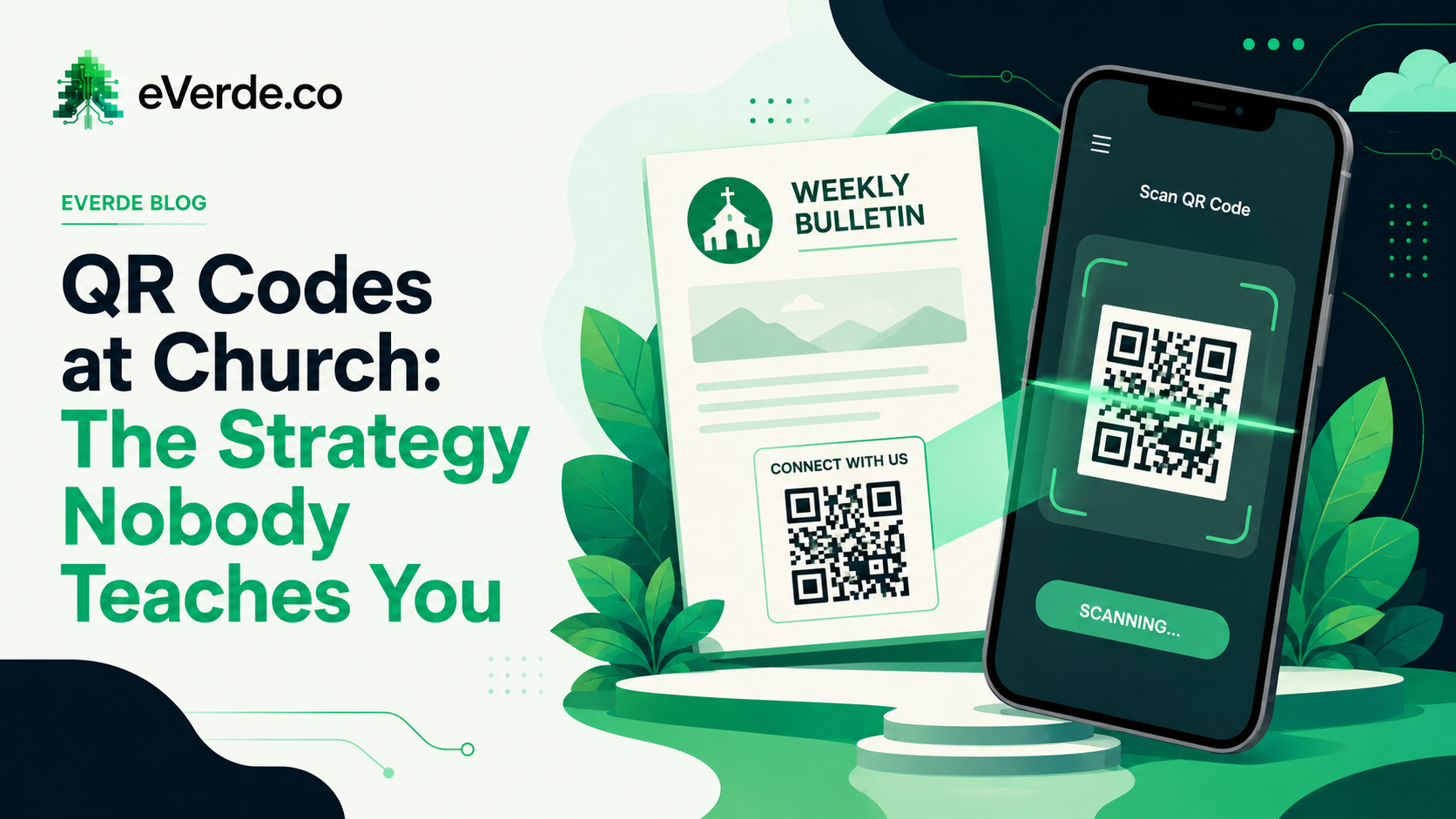
Putting a QR code on the bulletin is not a strategy. Telling people what happens when they scan it is. Here is how to use QR codes to create movement without force.
Google will delete your church app if your developer account does not comply with their data deletion policy. Most churches do not know this until it is too late.
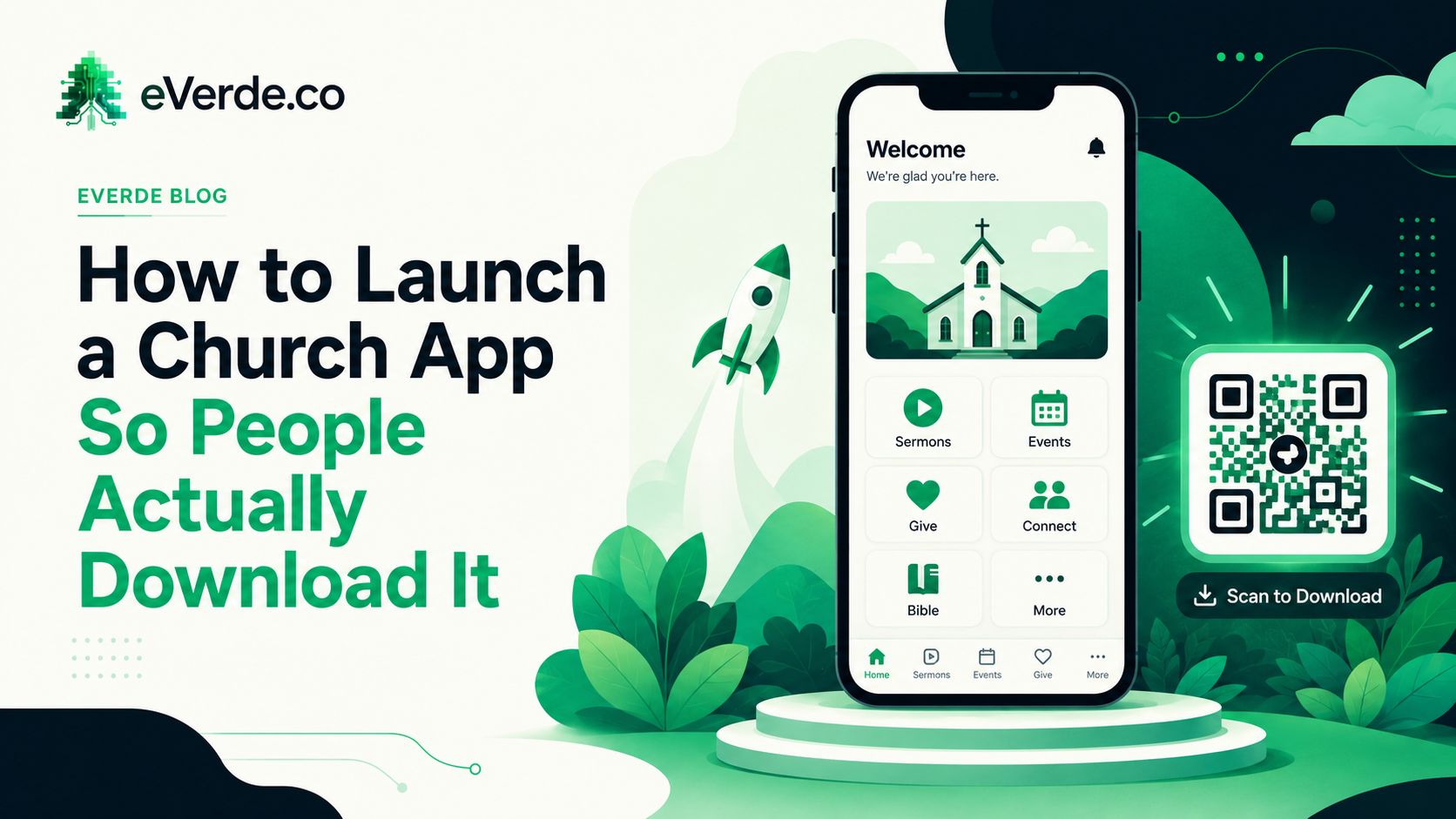
You paid for the app. You announced it from the stage. Downloads flatlined after week two. Here is why that happens and what a real app launch strategy looks like.
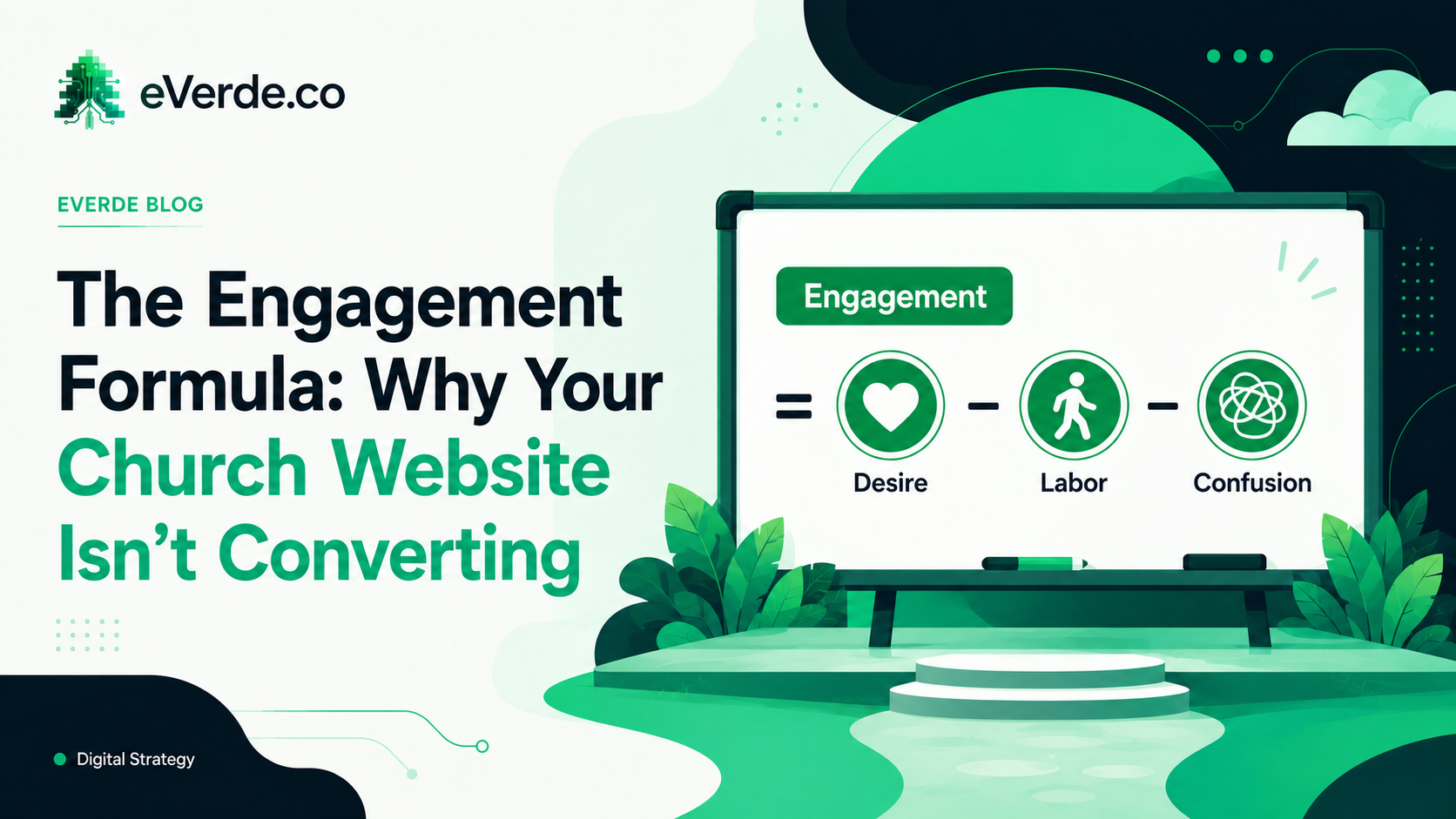
Every page on your church website is either increasing engagement or killing it. There is a formula. And once you see it, you cannot unsee how most church websites break it.
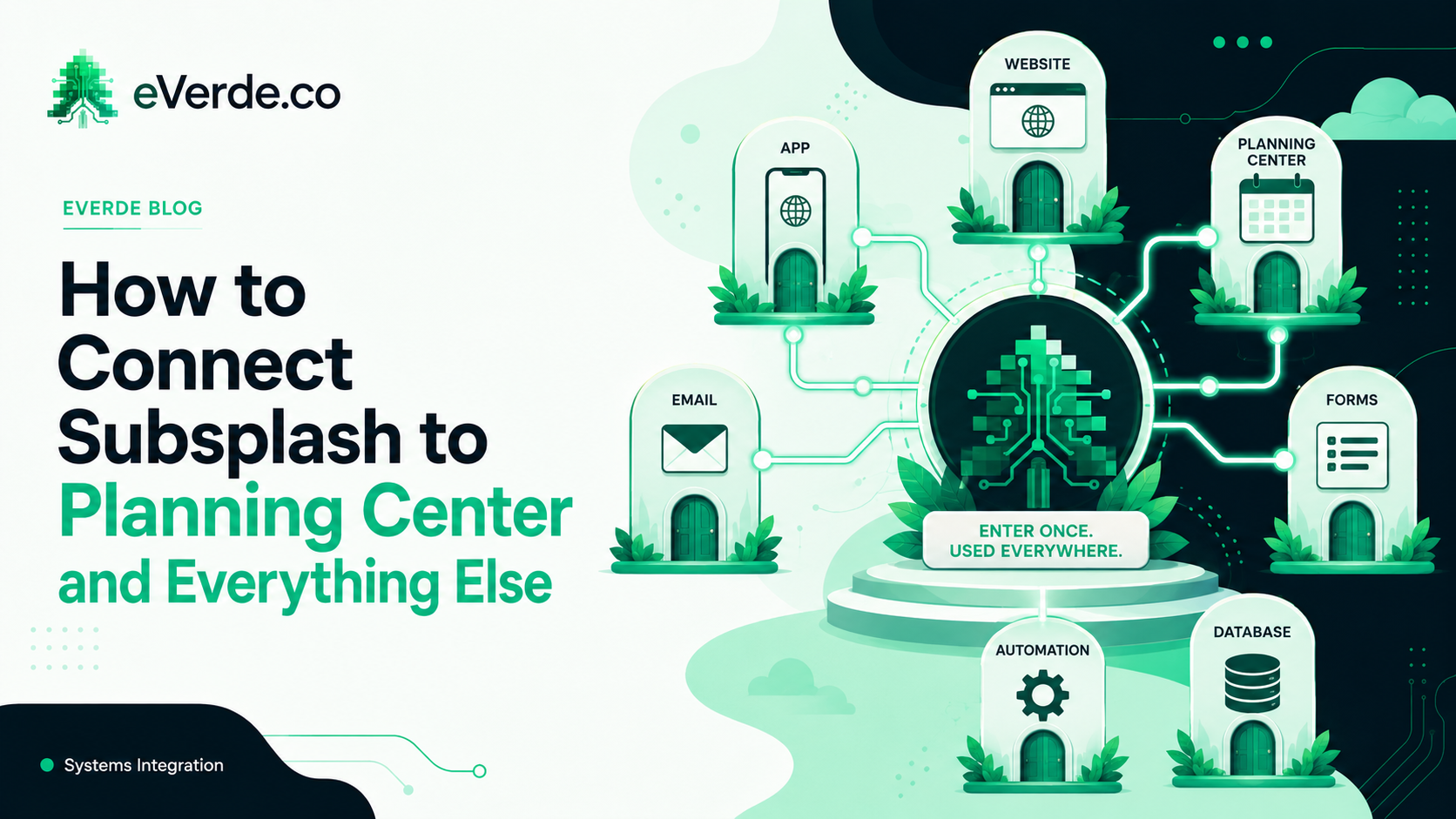
Most churches run Subsplash as a standalone tool. The website is here, the ChMS is there, email is somewhere else, and nothing talks to anything. That is not a Subsplash problem. That is an architecture problem.
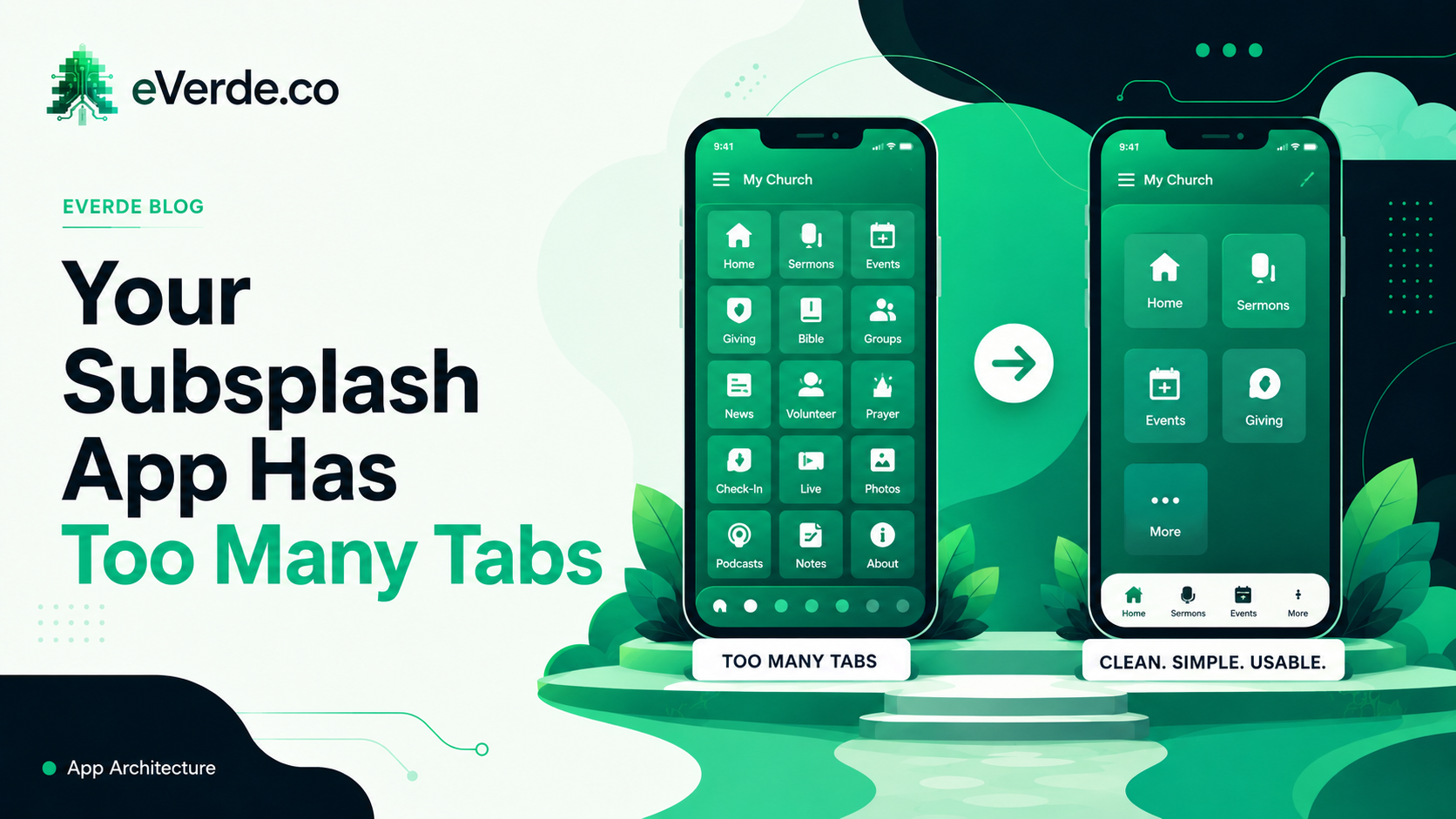
Open your church app right now. Count the tabs at the bottom. If there are more than five, your members are ignoring most of them. Here is how to fix that.
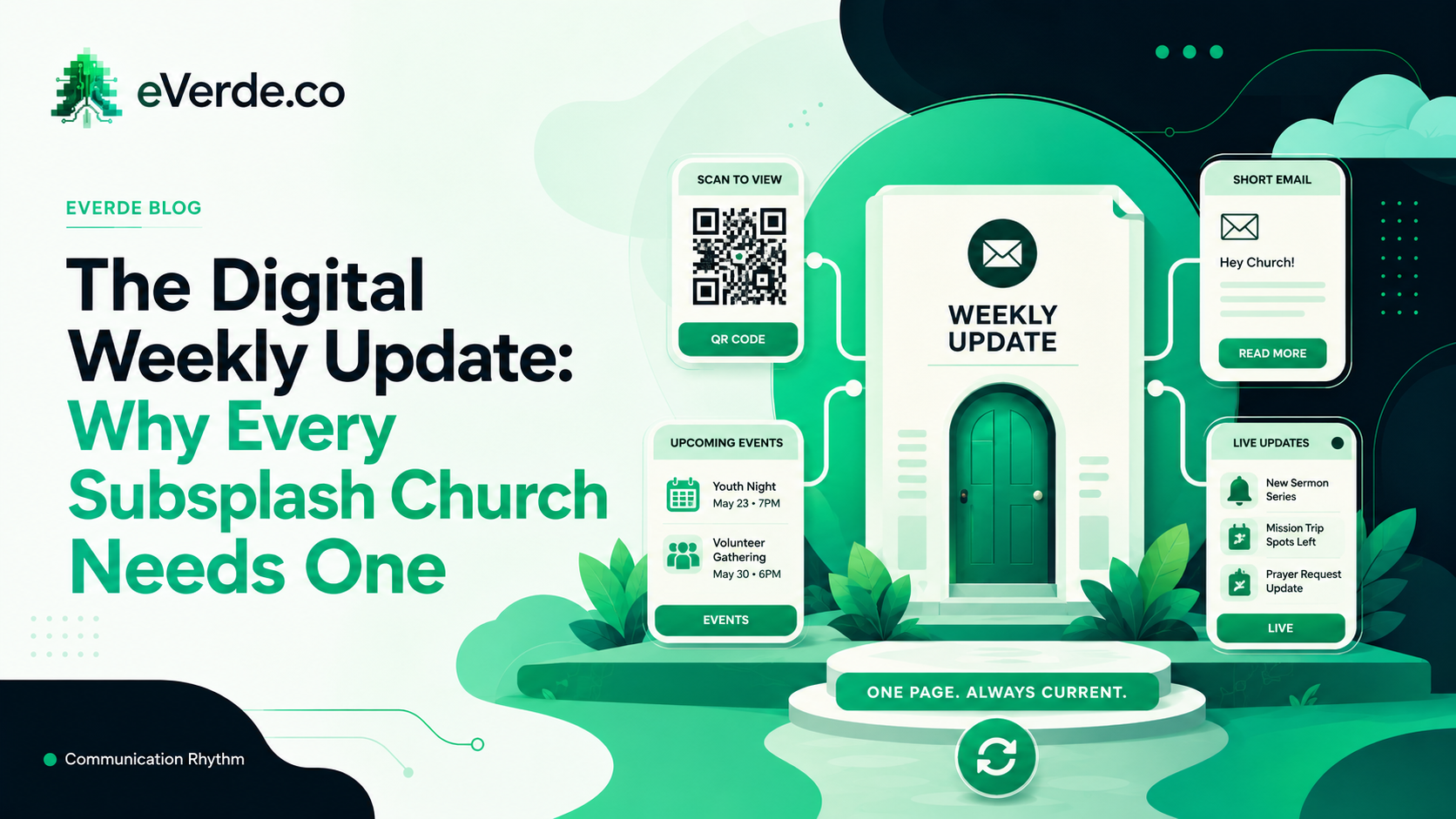
Here is a trick question: when does a paper bulletin go out of date? The answer is when you hit print. When does an email go out of date? When you hit send. A digital weekly update never goes out of date as long as you update it.
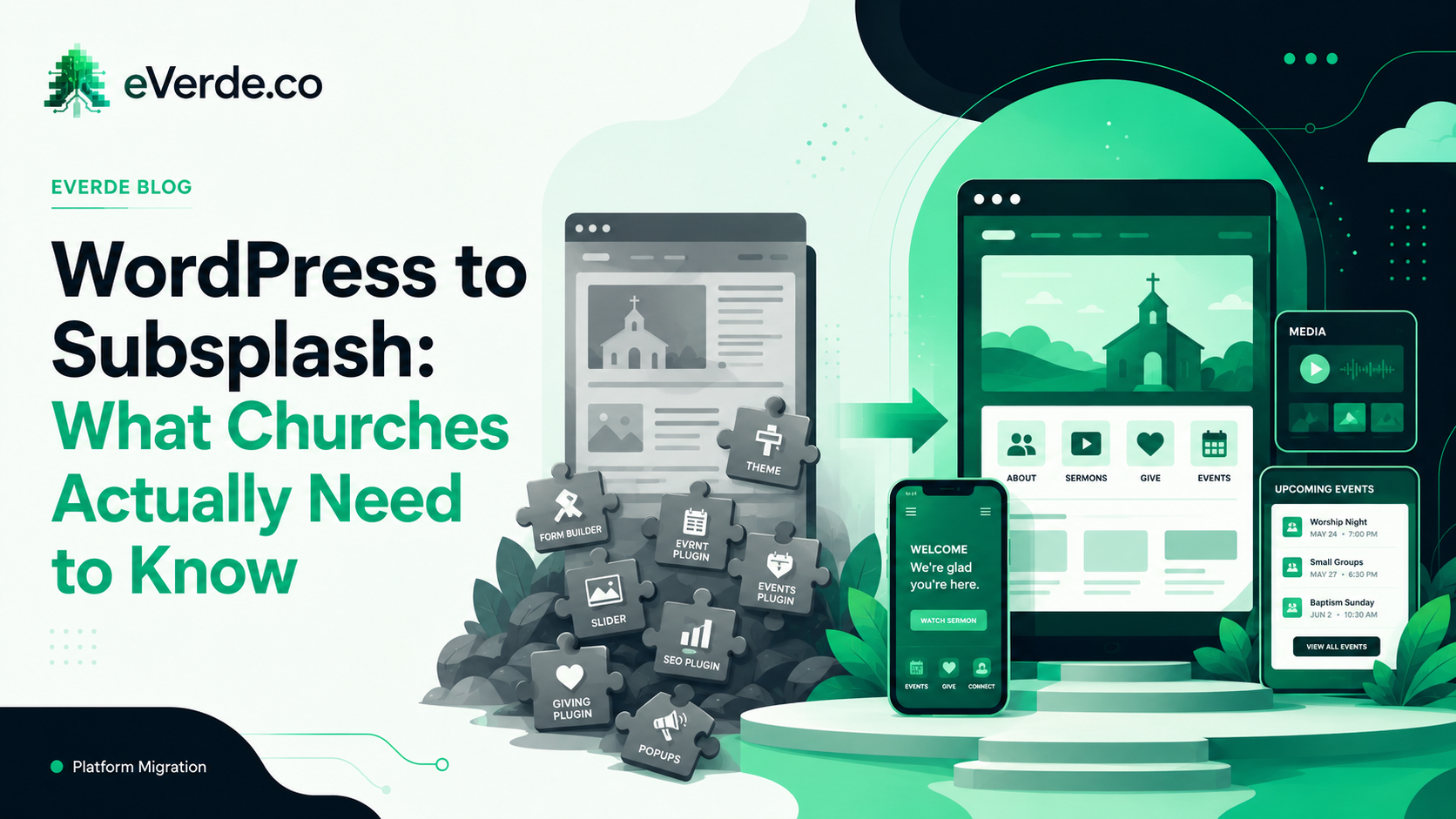
If your church is on WordPress and considering Subsplash, you are probably frustrated with plugin updates, security patches, and a website that takes a developer to maintain. Here is the honest truth about what the migration looks like.
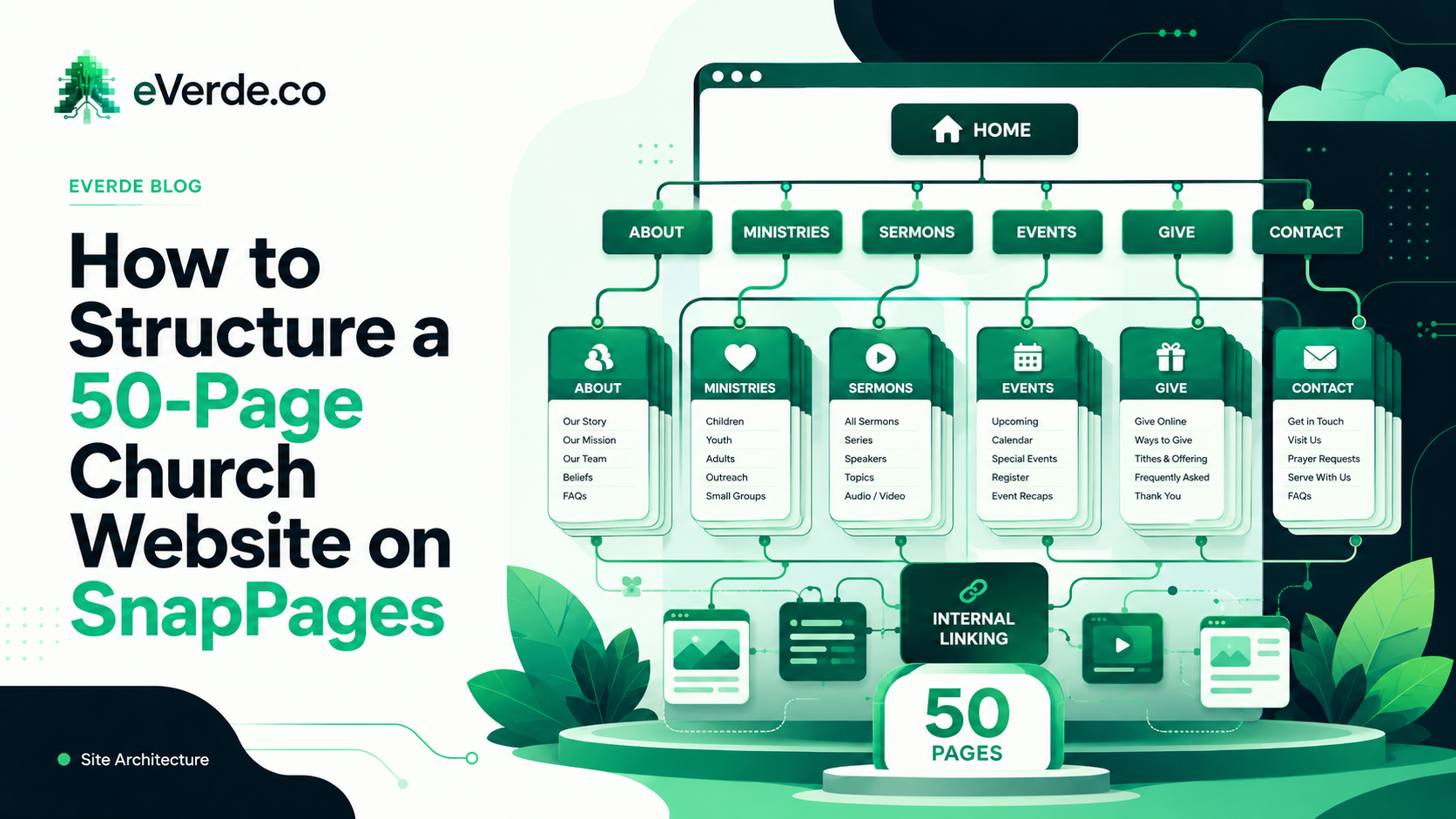
SnapPages works great for a 5-page church website. At 50 pages, without proper architecture, it becomes a liability. Here is how to structure a large SnapPages site so it stays manageable.
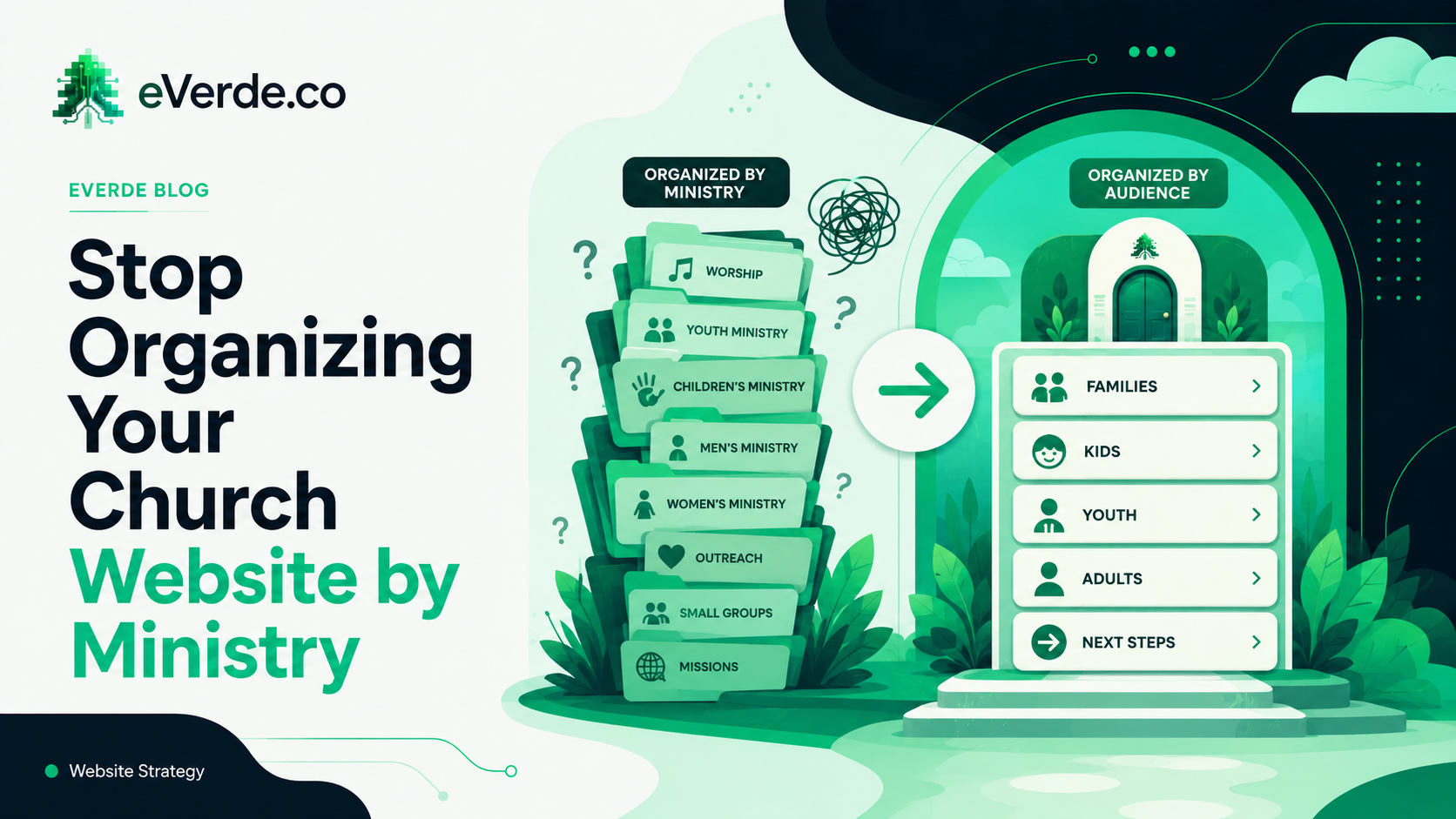
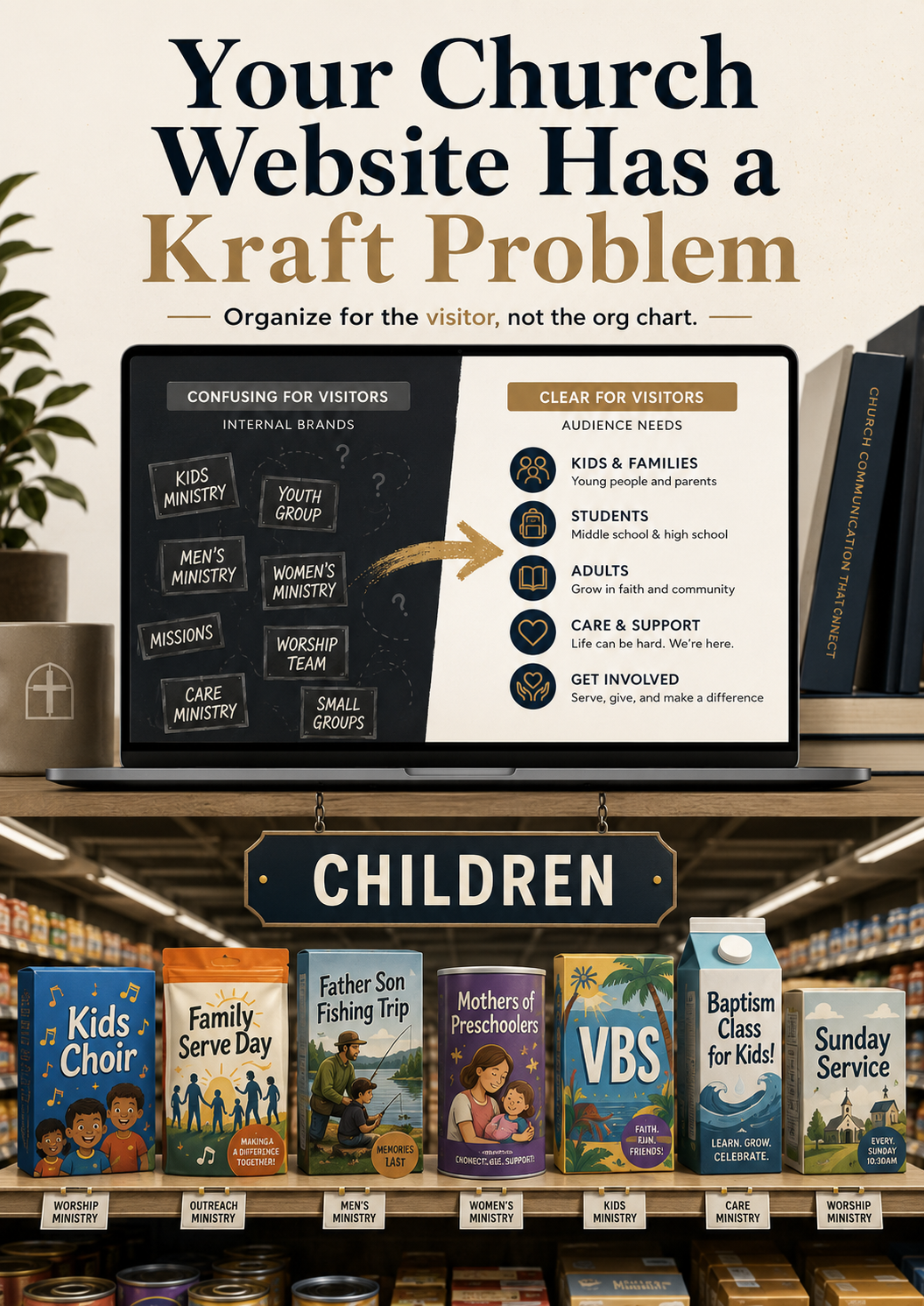
Most church websites are organized by ministry. This makes perfect sense to the staff. It makes zero sense to the person visiting your website for the first time.
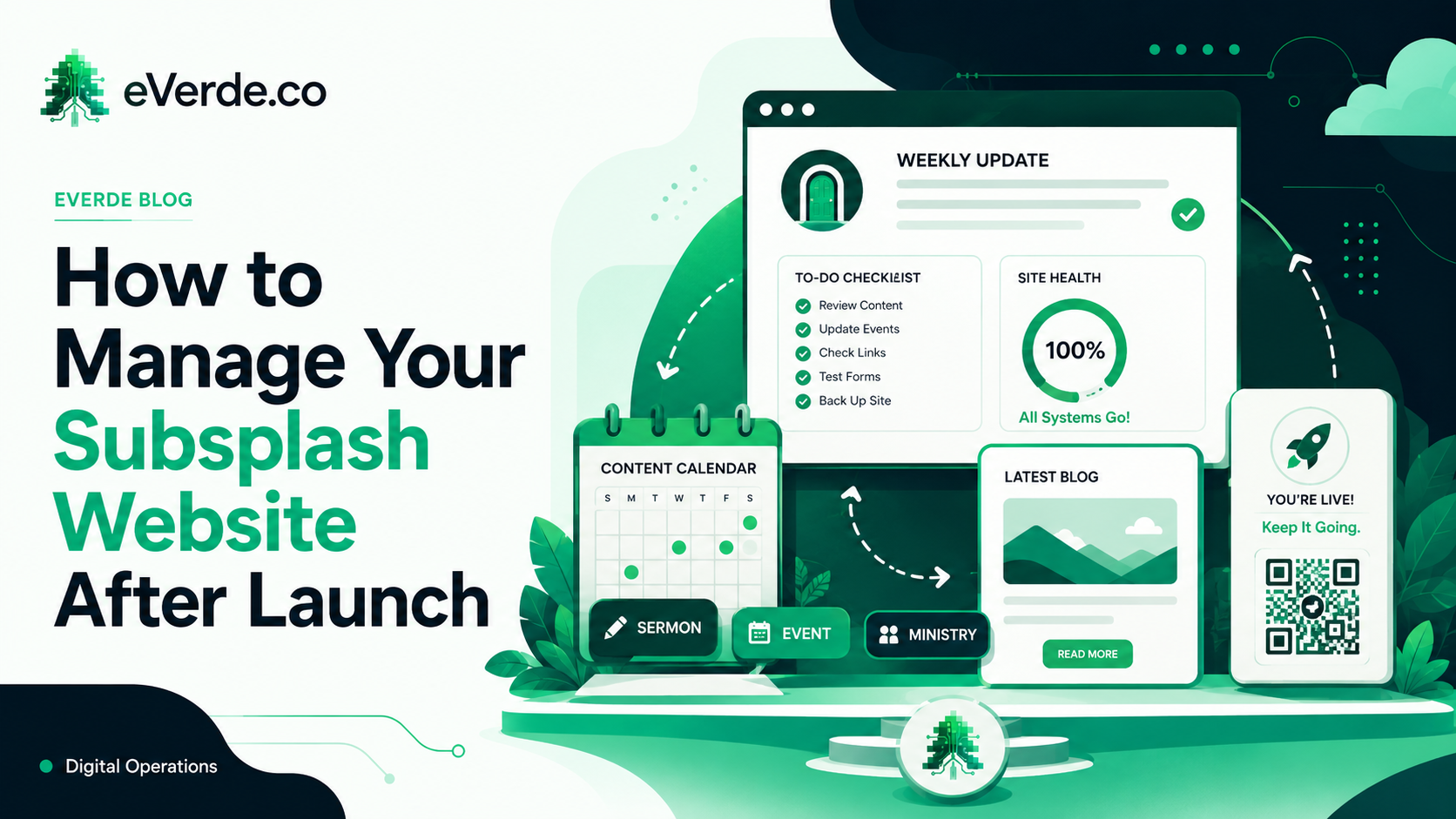
Your Subsplash website is built. Your app is connected. Everything looks great. Now what? The build is not the finish line. The build is the starting line.
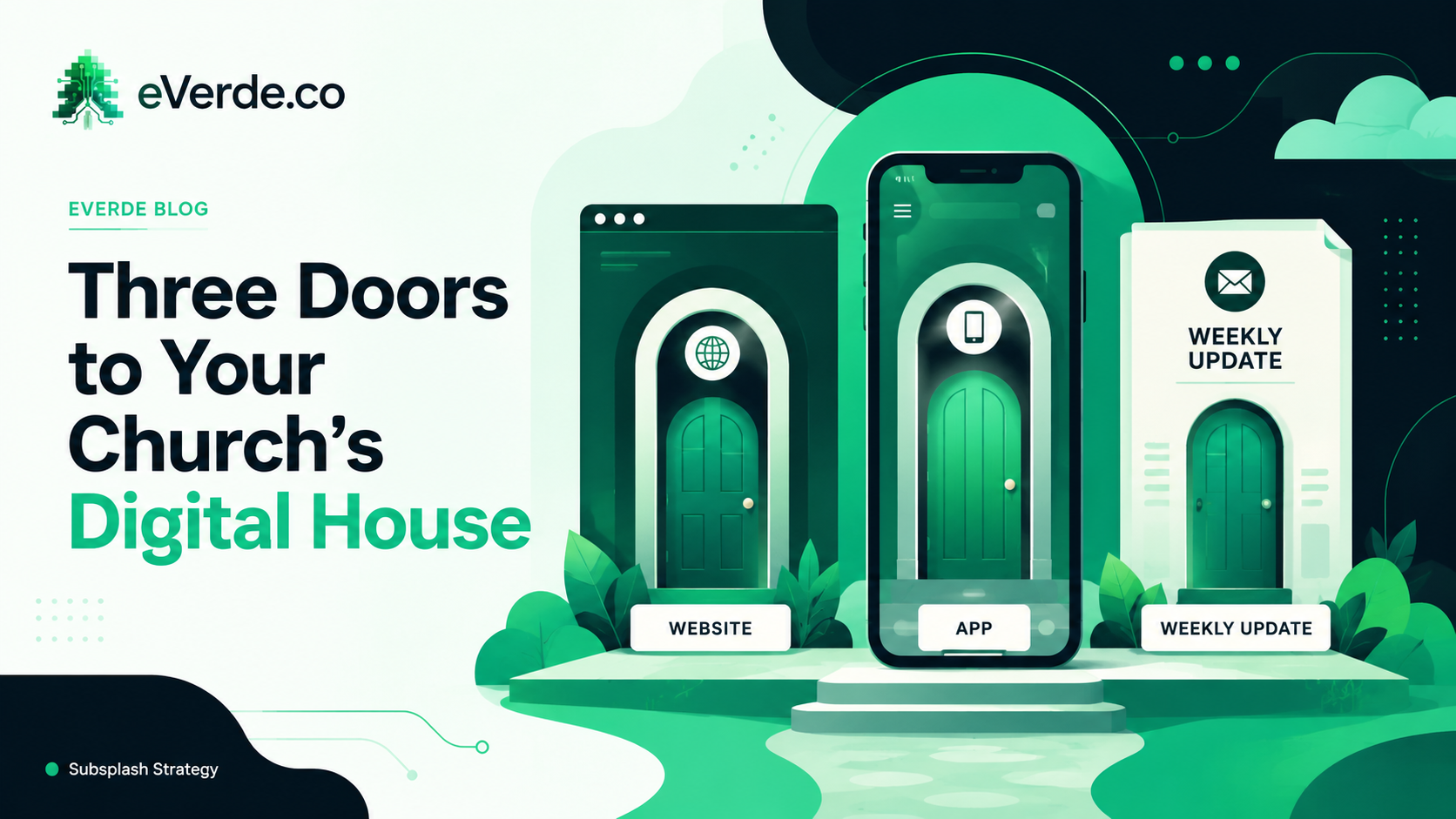
Your church has three digital doors. Each one serves a different person at a different stage, and most churches treat them all the same. That is why nothing works as well as it should.
Most church websites are organized like a grocery store with a Kraft aisle. Here is why you should organize by audience instead of ministry, and a team exercise to make it click.
Subsplash One changes the way your church manages its entire digital ecosystem — merging your app, website, giving, and media into a single unified platform. But migrating without a plan can create confusion, break workflows, and leave your team scrambling. Here's what to know before you upgrade, and how ReedVerde approaches Subsplash One migration differently.
Your church app push notifications aren't reaching people — and it's probably not a content problem. From expired developer certificates to misconfigured audience segments, here are the real reasons Subsplash push notifications fail and what you can do about it.
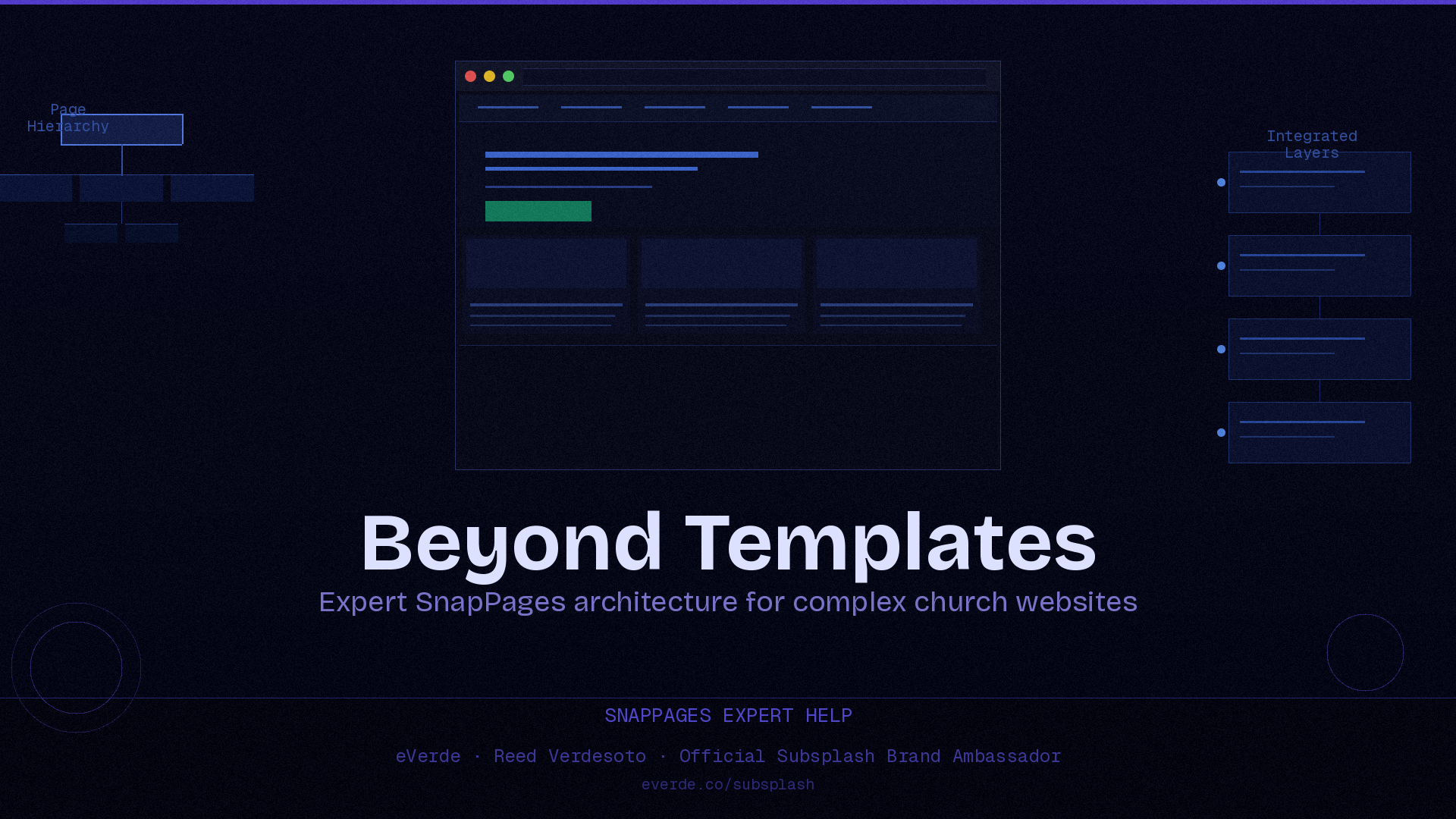
SnapPages templates get you started, but complex church websites need more — custom page hierarchy, strategic navigation, multi-campus structures, and SEO-ready architecture. Here's what expert SnapPages help actually looks like and when it's time to bring in outside support.
Here's a trick question. When does an email go out of date? The moment you hit send. If your church is still relying on emails and paper bulletins to communicate time-sensitive information, you are building on architecture that expires the second it leaves your control.
If your app isn't updating, notifications aren't working, or Subsplash says their hands are tied — there's almost always one reason: outdated or incomplete Apple and Google developer accounts.
Reed Verdesoto shares how a technical inquiry about syncing Subsplash app content led him on a journey to understand APIs — with help from ChatGPT. Using plumbing and construction analogies, he explains what APIs are and why understanding them helps him design better systems for churches.
Every Sunday has two stories — the one that happens live and the one that lives online. Learn the exact process we use each week to create both a full live stream and a sermon-only version that keeps your media clear, consistent, and sustainable.
Great photos tell the story of your church better than any announcement ever could. By capturing 40 candid photos across 8 key locations each week, your team can build a consistent, authentic photo library that fuels your website, app, and social media.
Many churches struggle with event overload and the pressure to design graphics for everything. The solution isn't fewer events — it's smarter communication. Learn how to keep graphics simple, value every ministry, and create a calendar system that works.
ReedVerde is a strategic digital architecture consultancy specializing in Subsplash systems architecture, custom church app strategy, SnapPages website design, Subsplash messaging setup, Planning Center integration, and long-term communication systems governance for churches and ministries.
Founded by Reed Verdesoto, keynote speaker and independent Subsplash consultant. ReedVerde is an independent consultancy specializing in custom Subsplash app and SnapPages website architecture for churches. ReedVerde Inc. is not affiliated with Subsplash, Inc. Subsplash® is a registered trademark of Subsplash, Inc.
Services include: Subsplash systems architecture, custom Subsplash builds and systems architecture, Subsplash support and troubleshooting, SnapPages design and restructuring, Subsplash messaging strategy, Planning Center and Pushpay integration, Subsplash One migration planning, and fractional digital leadership.